Gemini File Search Support 🔍
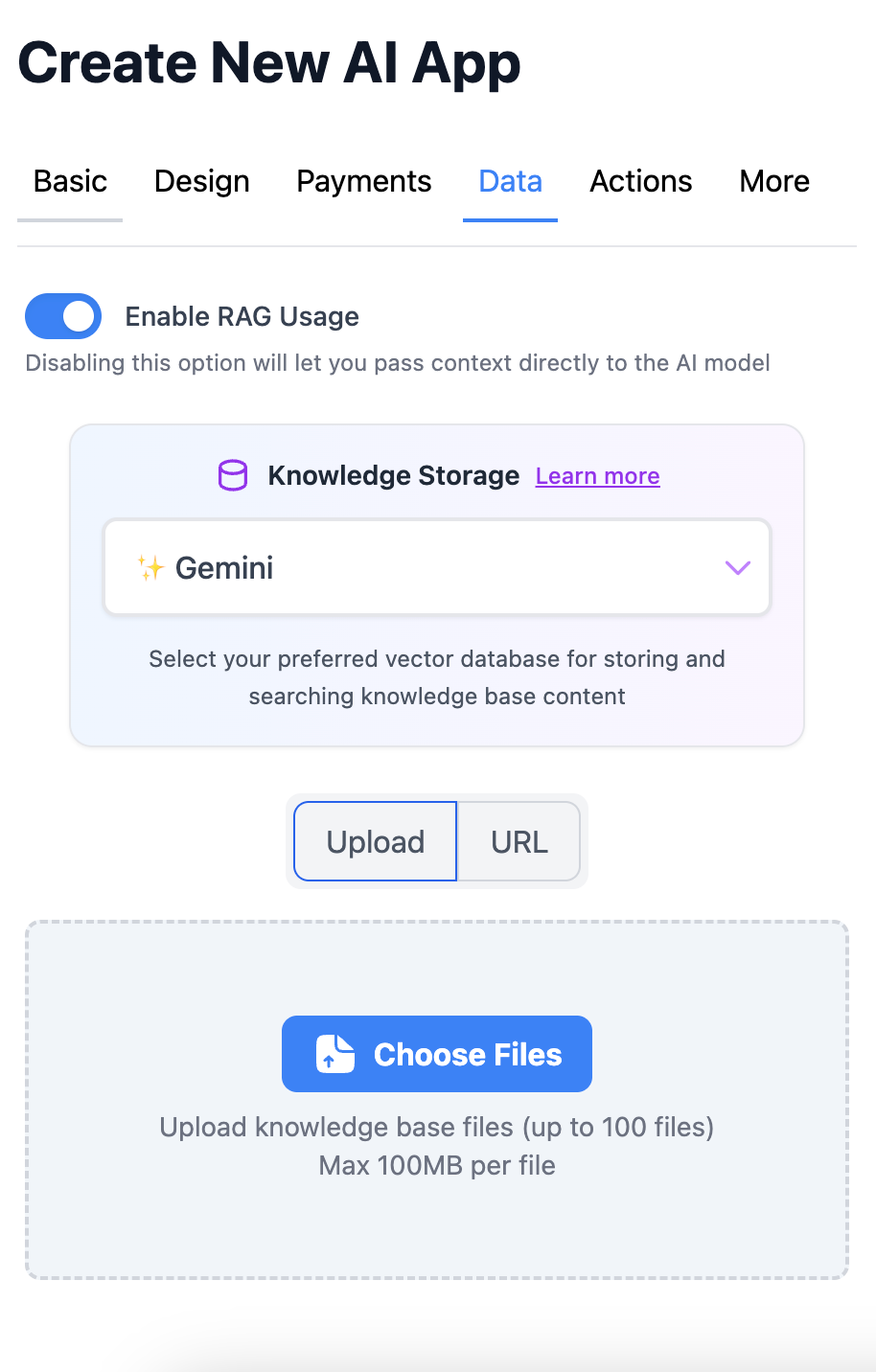
You can now use Google's native File Search as your knowledge storage option—powered by semantic embeddings that understand meaning, not just keywords. Upload PDFs, docs, spreadsheets, or code files, and Gemini automatically chunks, indexes, and retrieves the most relevant content for every query.
What this unlocks for you:
→ Semantic search that finds answers even when users phrase questions differently
→ Native integration with Gemini models (2.5 Pro, 3 Pro, Flash) for optimal retrieval quality
→ Support for 20+ file types: PDF, Word, Excel, PowerPoint, JSON, Python, JavaScript, etc.
→ Separate stores for files and URLs—update one without reprocessing the other
How to enable it?
Edit or create an app using any model, scroll to "Knowledge Storage" under the Data tab, and select "Gemini" from the dropdown. Upload your files or add URLs, then save. Your knowledge base is indexed automatically, no API keys or configuration needed.